Follow real EOR Studio workflows from model setup to simulation results. Watch the latest product tour, study the complete seven-well case, then explore the case library at your own pace.
25 guided lessons19 simulation cases64-bit Windows installer
FEATURED FIELD MODEL01 / 07 WELLS
A practical path from model to insight ↗
ENGINEERING WORKFLOWS, STEP BY STEPSCROLL TO EXPLORE ↓
Built for engineers and learners who want to understand what the model is doing, not just which button to press.
01 / LEARN 02 / APPLY 03 / REVIEW
01 / START HERE
A full case, from first input to final result.
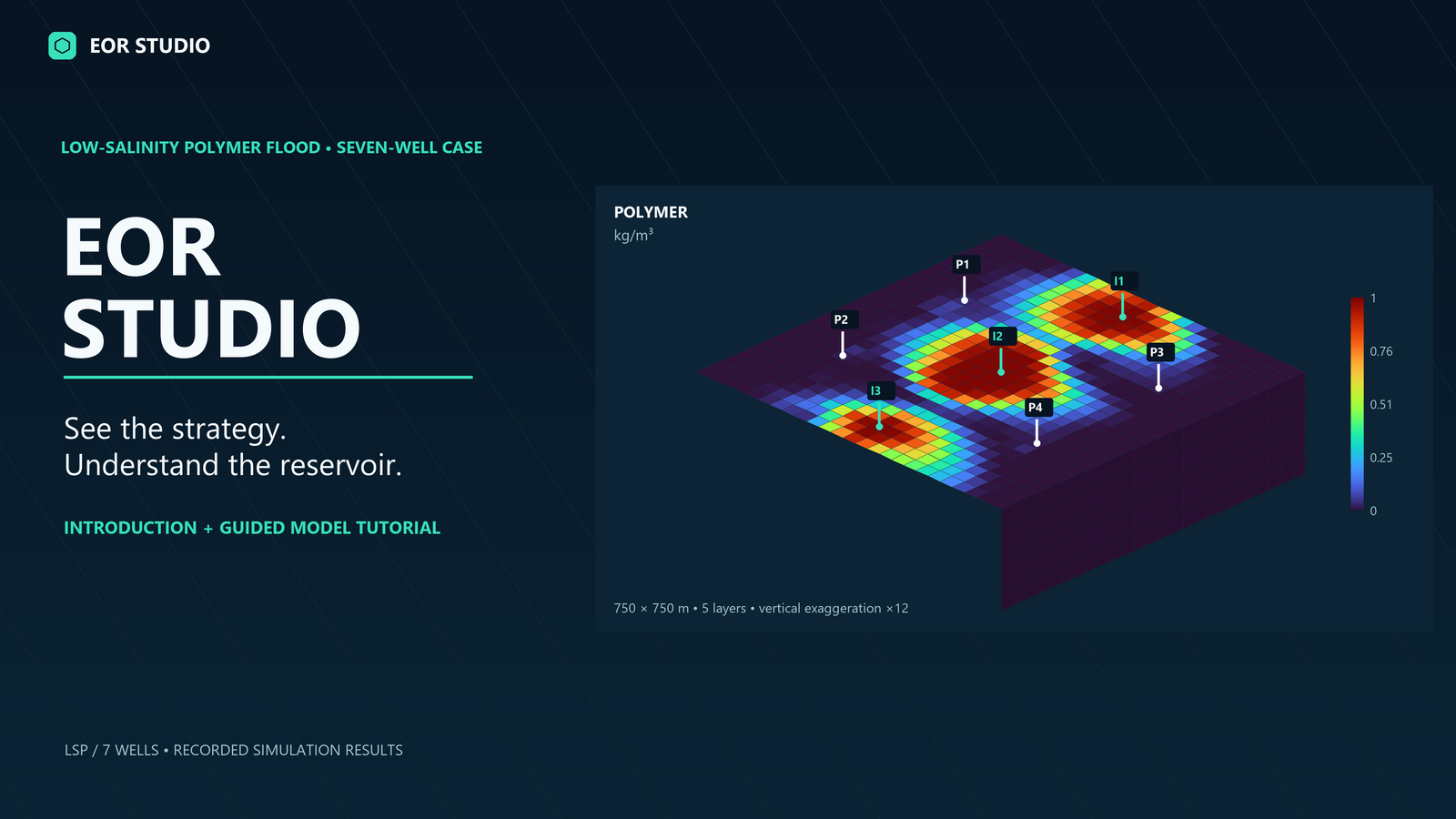
Work through the low-salinity polymer seven-well model. The updated tutorial shows the strategy, model, simulation, and reservoir response in one guided video.
Start with the first waterflood walkthrough or choose a topic that matches your work. Each lesson includes spoken narration, captions, and a readable script.
No lessons match that search. Try another topic.
EOR STUDIO / DESKTOP RELEASE
Build your model. Explore what’s possible.
Bring the workflow to your own computer. Download EOR Studio and start with an included example.
WINDOWS · 64-BIT
EOR Studio 0.1.0
Your workspace for reservoir modelling, simulation, and visual analysis.
Studio & model tools · Simulator · 3D viewer · Example projects
Installation & file verification +
Administrator access is required. This installer is not digitally signed. The application binaries were updated October 10, 2026. Equation manuals are excluded.
The case lessons are based on 19 example simulations run for this course. Maps and plots come from those runs, with source guide figures identified in the lessons. The application lessons cover Model Designer, Deck Editor, Simulator, 3D Viewer, Report Generator, and post-processing.